
Fast, managed WiFi for your room.
Connect to the apartment WiFi and enjoy a controlled, room-based internet service. View available plans and prices, create your own room account using mobile data, then pay and login after your subscription is activated.
Entertainment Ready
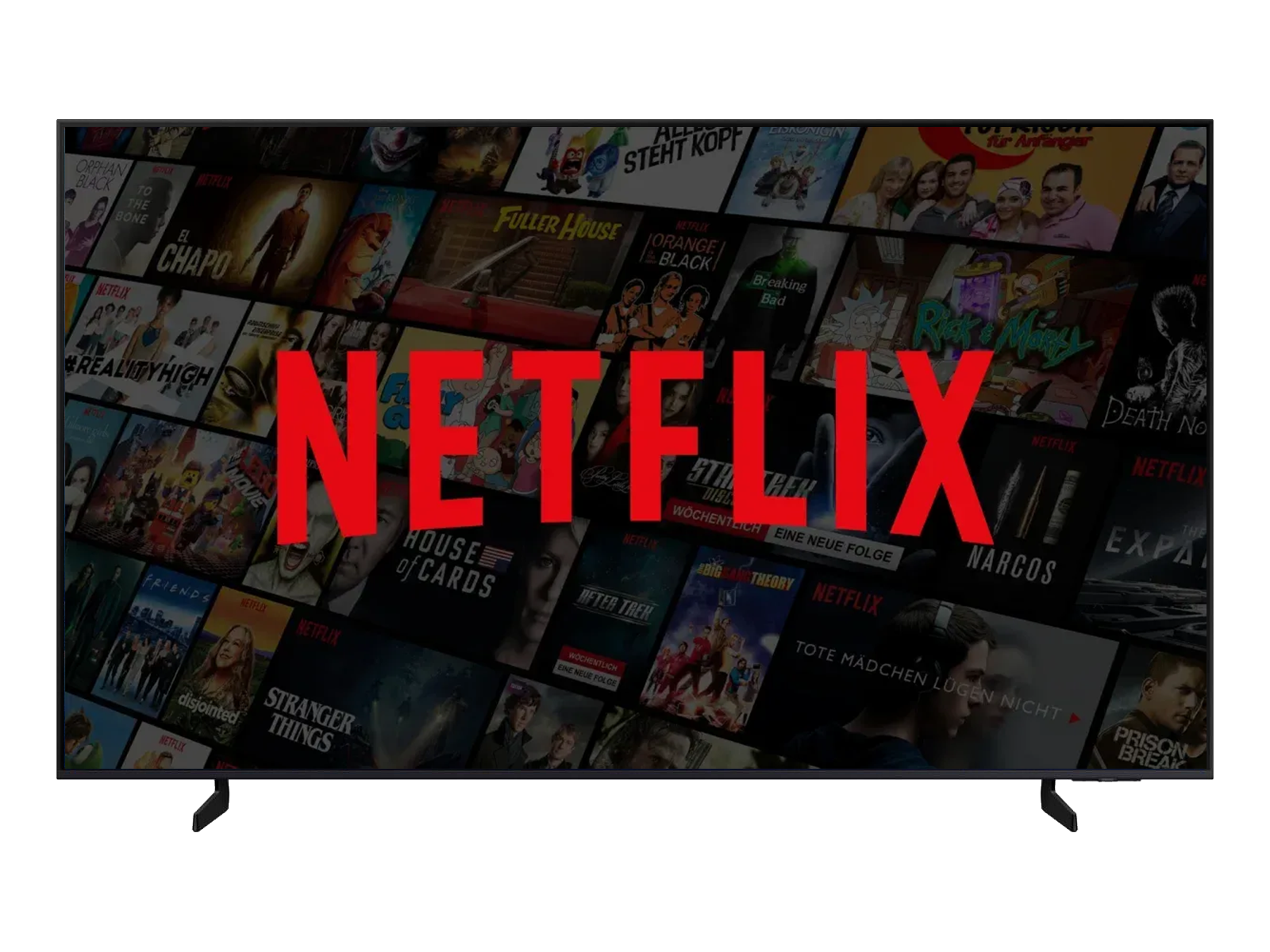
Streaming-ready WiFi
Stable access for smart TV entertainment.
Dashboard Access
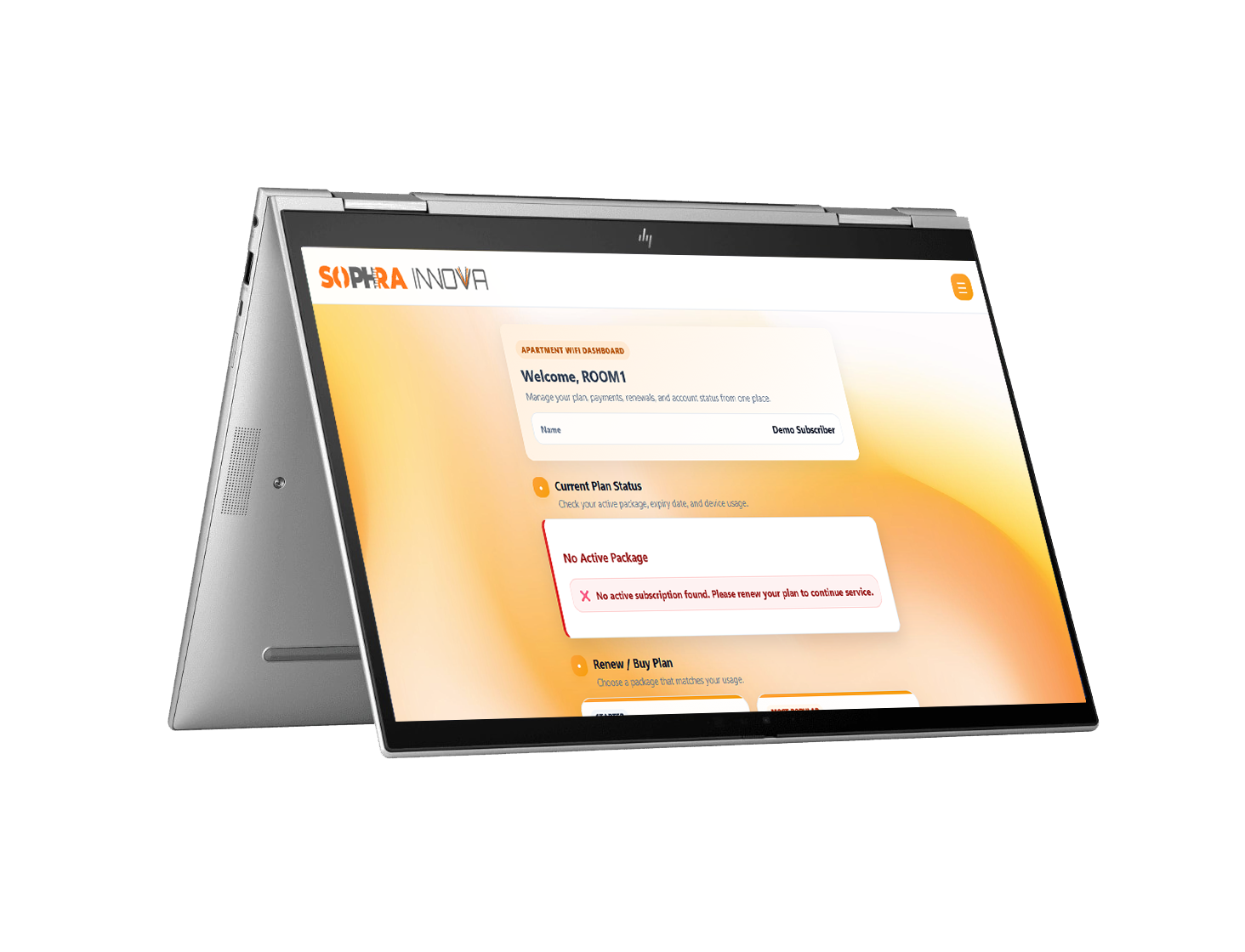
Manage your WiFi account
Review your plan, payments and usage.
Mobile Portal
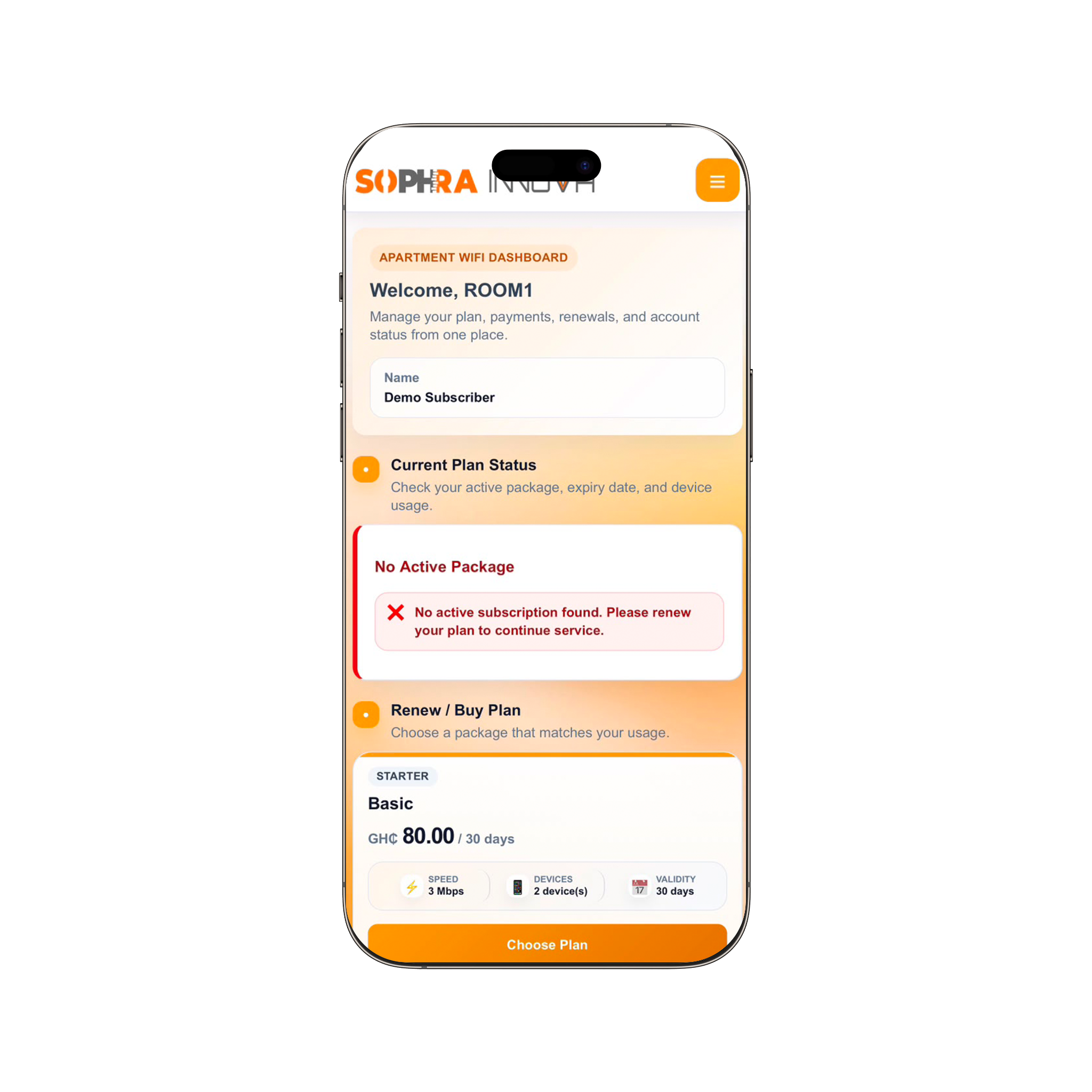
Your account in your pocket
Renew and manage access from your phone.
⚡
Reliable browsing
Plans are managed for fair usage across the apartment.
📱
Self-service access
Check subscription, usage, devices, and payment status anytime.
🔐
Room account login
Your account is created online, but apartment internet requires a verified active plan.
Available Packages & Prices
WiFi plans available for tenants.
These are the current apartment WiFi packages. New residents can create an account online, then subscribe and pay from the dashboard.
Current Plans
Available WiFi packages
SOPHRA Student Access
⚡ 2 Mbps
📱 1 device(s)
📅 30 days
Price
GH₵40.00
Basic
⚡ 3 Mbps
📱 2 device(s)
📅 30 days
Price
GH₵80.00
Standard
⚡ 5 Mbps
📱 3 device(s)
📅 30 days
Price
GH₵120.00
Premium
⚡ 8 Mbps
📱 4 device(s)
📅 30 days
Price
GH₵150.00
Premium Max
⚡ 15 Mbps
📱 6 device(s)
📅 30 days
Price
GH₵250.00
How it works
Simple connection flow for tenants.
1
Create your account
Register with your room and mobile number using normal mobile data.
2
Select and pay
Choose a plan and complete Hubtel or approved manual payment.
3
Connect after activation
Login on the apartment Wi-Fi only after the plan becomes active.
Need help?
Contact support if you cannot login or connect.
Have your room number ready so support can assist faster.
Open Help Center